
Bring order to your chaos.

With Click, parents can:
Finally get peace of mind with protection for your devices, for your kid’s online activity and safety, and for your home. All from one good provider.
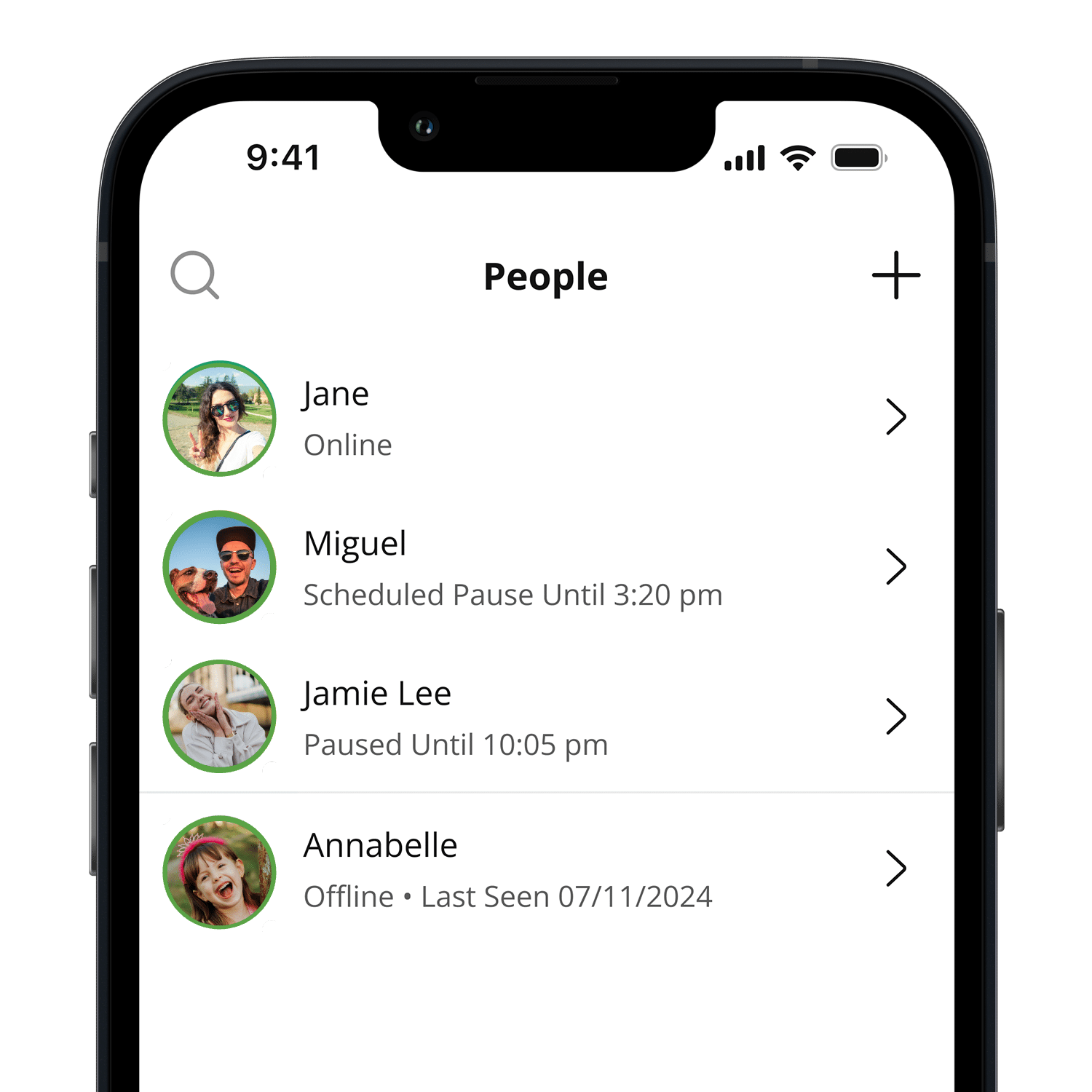
Manage Screen Time
Create balance with offline and online schedules to maintain a healthy home.
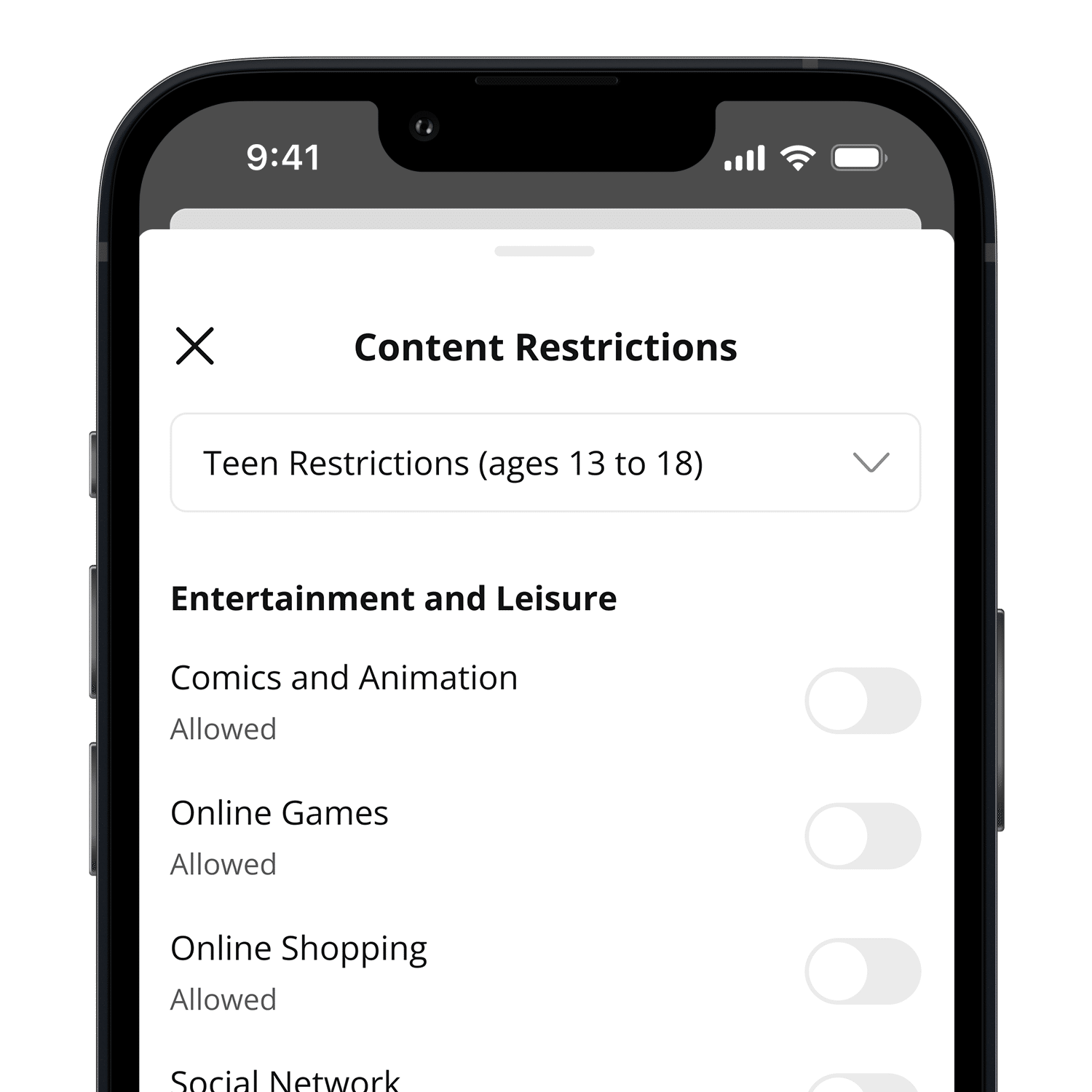
Filter Websites, Apps and More
Filter out harmful content and get notified of any attempts to reach blocked content.
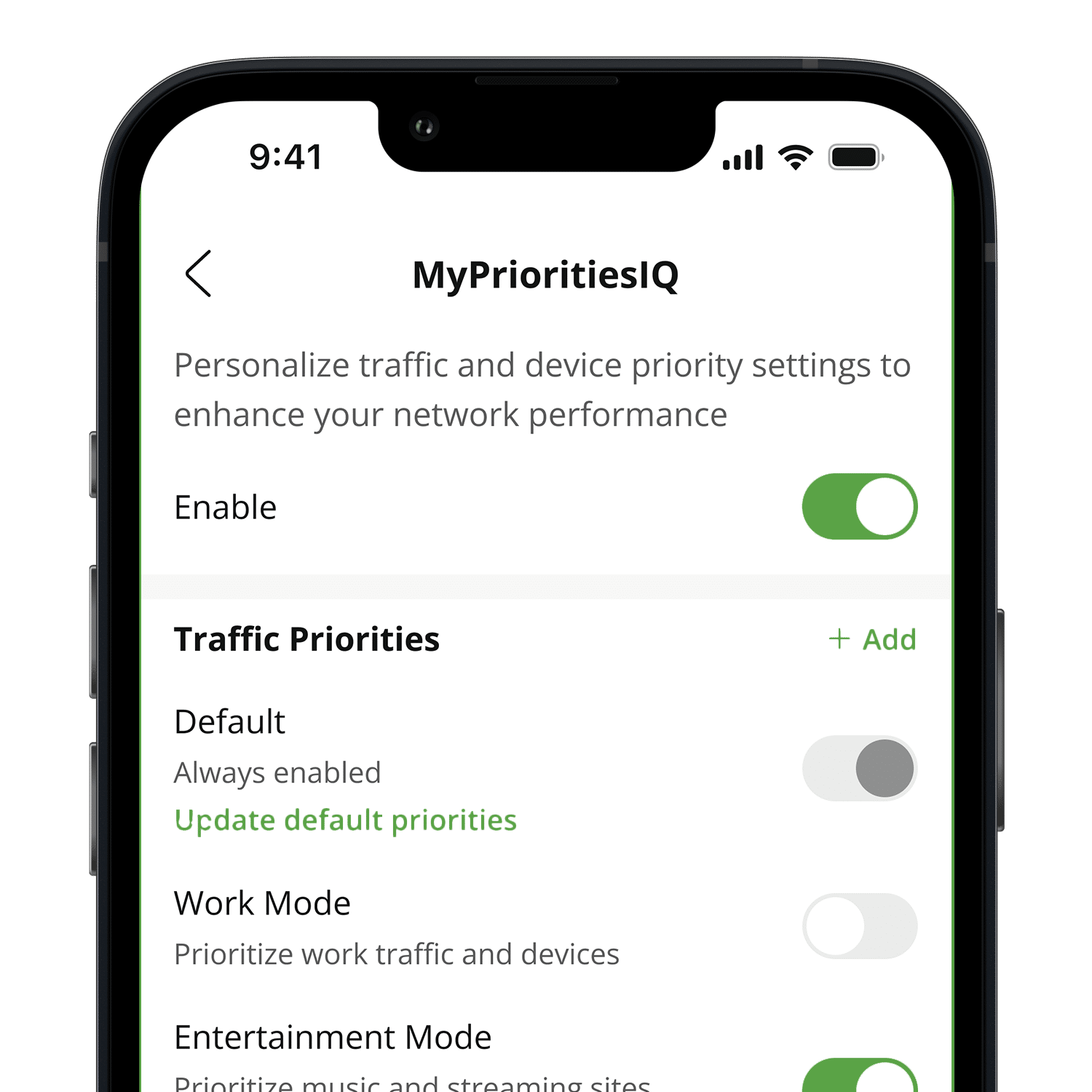
Prioritize Bandwidth
Spotlight the devices and internet activities that matter most in your home.
Help! I need this in my life, like yesterday
Hey, hey, we get the excitement. It’s a game changer, for sure. The good news is you can sign up and get this service added to you Jade account without needing any additional equipment or scheduling an in-person installation.
Call us at 719-589-5140 to learn more or explore the family plan.
How Click Works
Connect
Connect all of your and your child’s devices to your home WI-FI network.
Customize
Set time limits, offline hours, block specific sites or entire categories of content, and prioritize your internet traffic with just a few taps.
Detect
Click runs quietly in the background in search of issues that might indicate that something isn’t right in your child’s online world.
- Filter Websites, Apps and More
- Manage Screen Time
- Add Unlimited Kids
- Prioritize Bandwidth
- Gain Insights
- Enable Safe Search on Google and YouTube
- Create a Harmonious Home
Click
Why Parents ❤️ Click
As a father of two teenage daughters (10 and 14), I love the parental control features.Cameron A
Awesome tool to help bring peace of mind for parents as your children or grandchildren spend time on the web PROTECTED. Thanks Jade!Nathel L J
Click notifies me of any suspicious behavior online that could potentially harm my child.Crystal A